
Data Entry is Dead: 3 Ways InvenOps Gets Inventory Out of the Truck and Onto the Screen
Nobody in the history of construction has ever woken up excited to do data entry.
You build infrastructure. You manage fleets of heavy machinery and million-dollar job sites. The absolute last thing your warehouse manager wants to do is stand in a dimly lit tool crib, pecking at an iPad keyboard as it owes them money, trying to manually type in a 16-digit serial number for a hammer drill.
Legacy software companies seem to think your team has all day to fill out drop-down menus. We know you don’t.
At BidPointX, we built InvenOps with a simple philosophy: The software should work for the company, not the other way around. Adding inventory shouldn't feel like a DMV application. It should feel like a drive-thru.
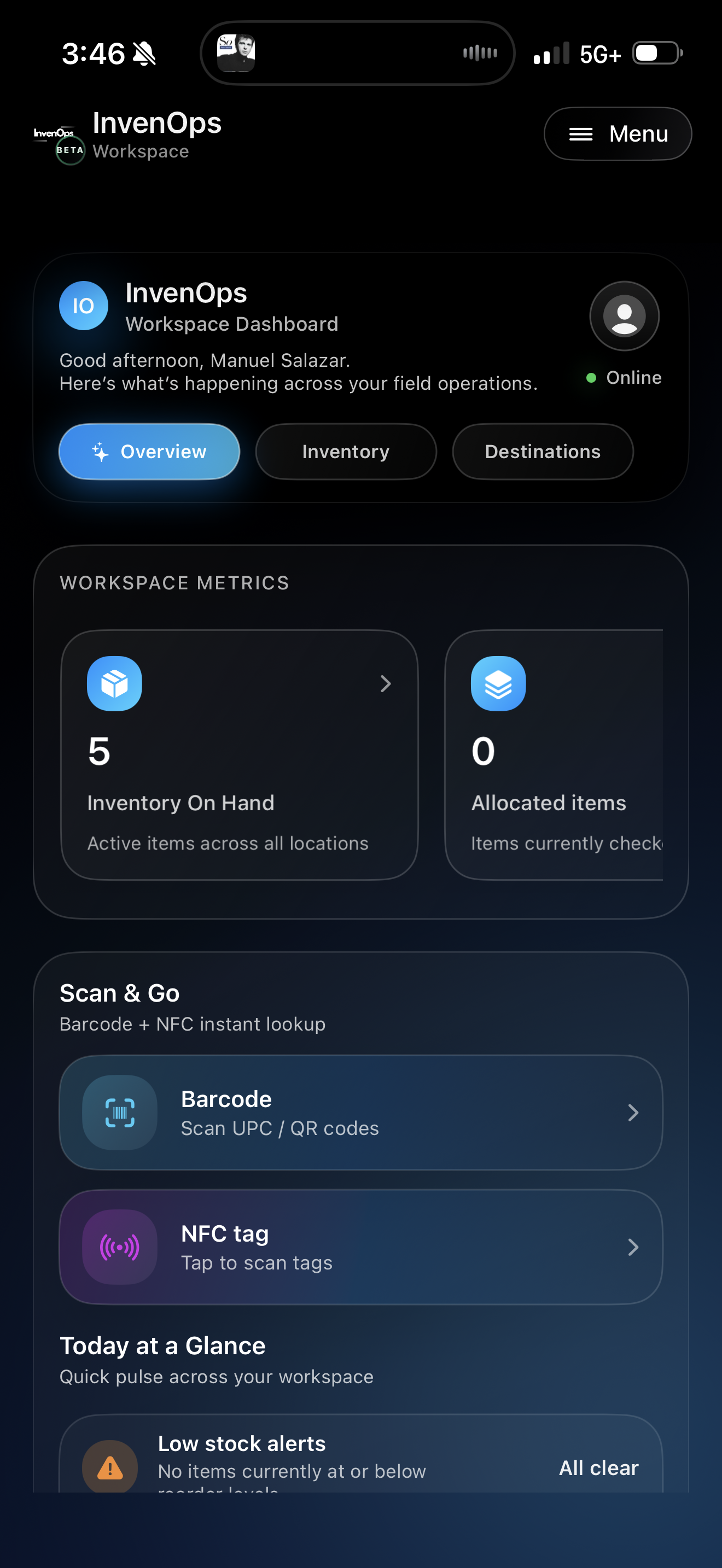
Here are the three ways InvenOps lets you ingest inventory in seconds, directly from an iPhone:

1. Barcode Scanning (Because it's 2026, not 2006)
For when you want precision, but refuse to type.
You know the drill. The tool has a barcode. You have a phone. It's time to let them talk to each other.
With InvenOps, you tap the scanner icon, point your iPhone camera at the item, and the system instantly recognizes it. No typos, no squinting under bad warehouse lighting to figure out if that’s a zero or the letter ‘O’. You scan it, the system logs it, and you move on with your life.
2. RFID Bulk Scanning (For the Heavy Days)
For checking in a massive loadout without breaking a sweat.
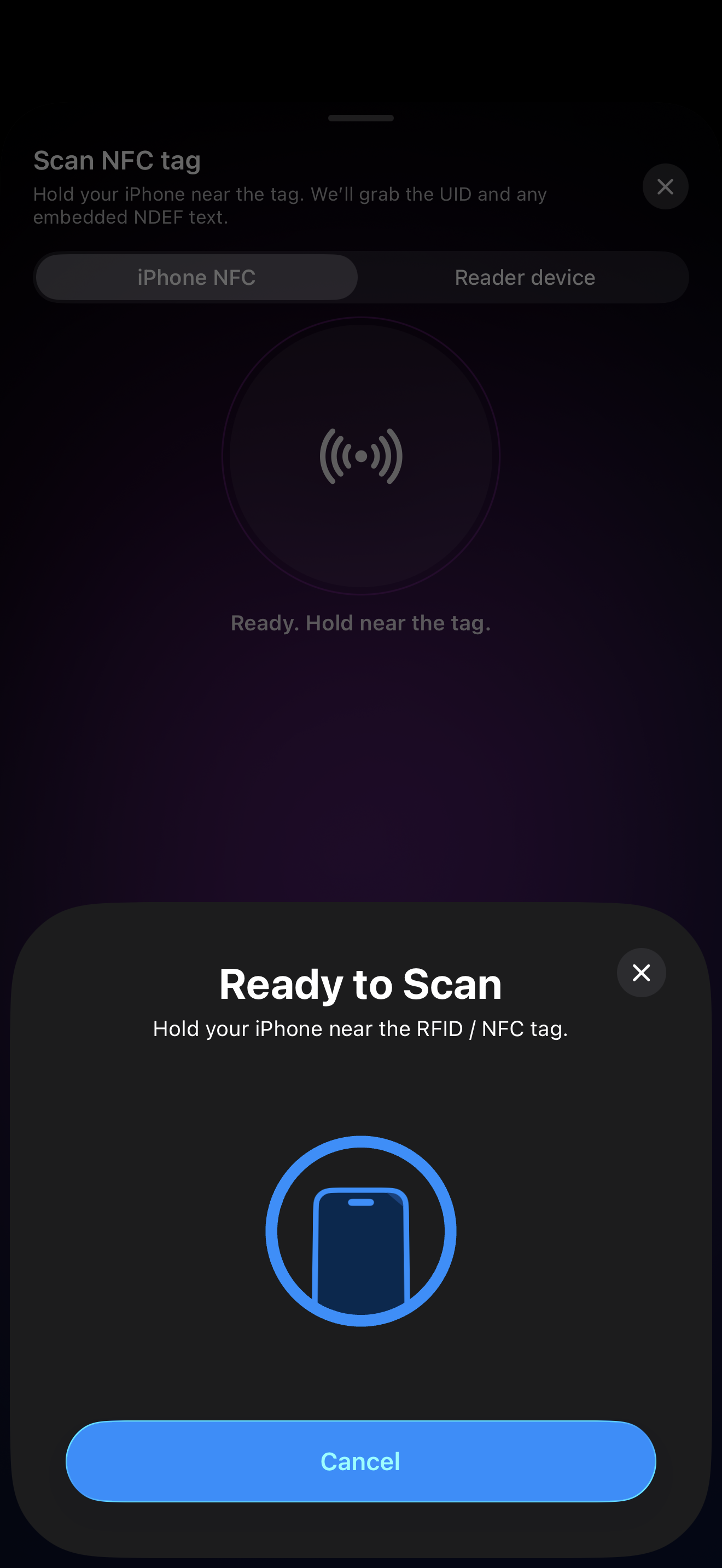
Barcodes are great, but what if you have a massive loadout returning from a site? Scanning items one by one like a grocery store cashier isn't going to cut it.
Instead, you can use our RFID integration. Just wave your scanner near the returning equipment, and watch InvenOps catch the signals out of thin air. It looks a little like magic, but it’s actually just serious engineering. It’s the fastest way to get your high-value assets back into the "Available" column so they can start making you money again.
Make it stand out
3. The Quick Add Flow (For the Consumable Chaos)
Because sometimes it’s just a box of generic fittings.
We’ve all been there. The item doesn't have a tag, the barcode was ripped off by a field tech, or it’s just a bulk box of consumables. You don’t have the time or the patience to create a master profile for it.
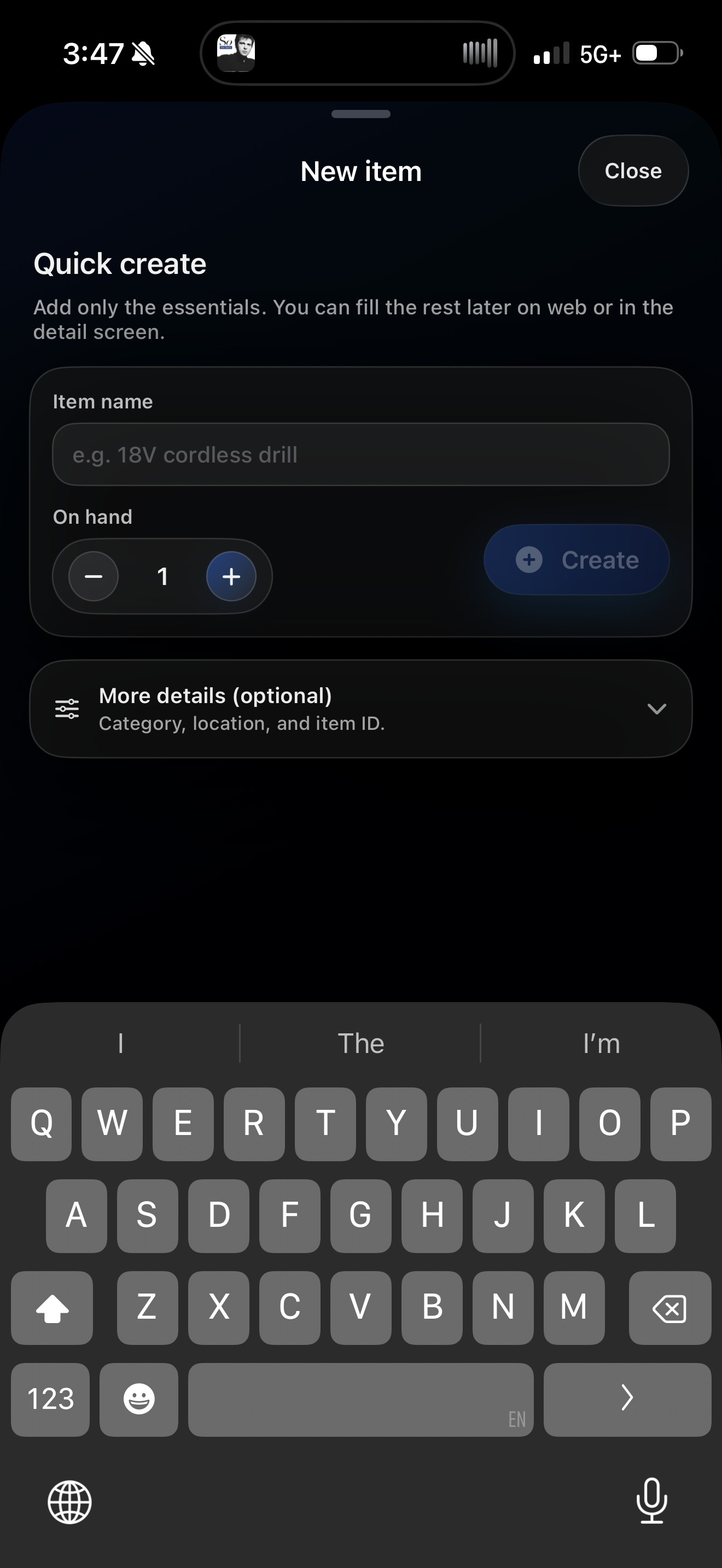
For this, we built the Quick Add Flow. Tap the '+' button. Type "Box of 3/4-inch copper fittings." Hit 'Enter'.
That’s it. You're done. No mandatory categorization menus. No required fields are blocking you from saving. Just tell us what it is, and we'll secure it in the Vault.
The Best Part: The Auto-Generated ID
Here is the part where legacy inventory systems make you want to throw your phone against a concrete wall: “Error: Please enter a valid, unique Inventory ID.”
Who has time to invent a unique alphanumeric code for every single drill bit in the shop?
InvenOps doesn't hold your workflow hostage. Whether you use the Barcode, the RFID, or the Quick Add flow, InvenOps instantly and automatically generates a unique, sequential Inventory ID in the background the second you hit enter.
Your item is saved immediately.
Want to change that ID later to match your company's internal naming convention? No problem. You can update the ID right there on the screen before you save, or edit it three weeks from now. We give you the placeholder so you can keep moving, but you always have the power to overwrite it.
Stop Babysitting Your Spreadsheets
Your inventory is the lifeblood of your cash flow. If it takes 10 minutes to log a tool, your guys aren't going to log it. And if they don't log it, you lose it.
InvenOps makes adding inventory so fast and simple that your team will actually do it.
Ready to ditch the clipboard? BETA is live here, entirely free to sign up and use while active: app.bidpointx.com (bonus: two-week runway after InvenOps full launch to select your plan/tier).