
BidPointX 2.0 brings a brighter look to iPhone and iPad, with better ways to prepare the work, follow the details, and bill as you go.
We turned the lights on and gave the invoice screens the sort of attention usually reserved for the home page. They handle your money. It seemed fair.
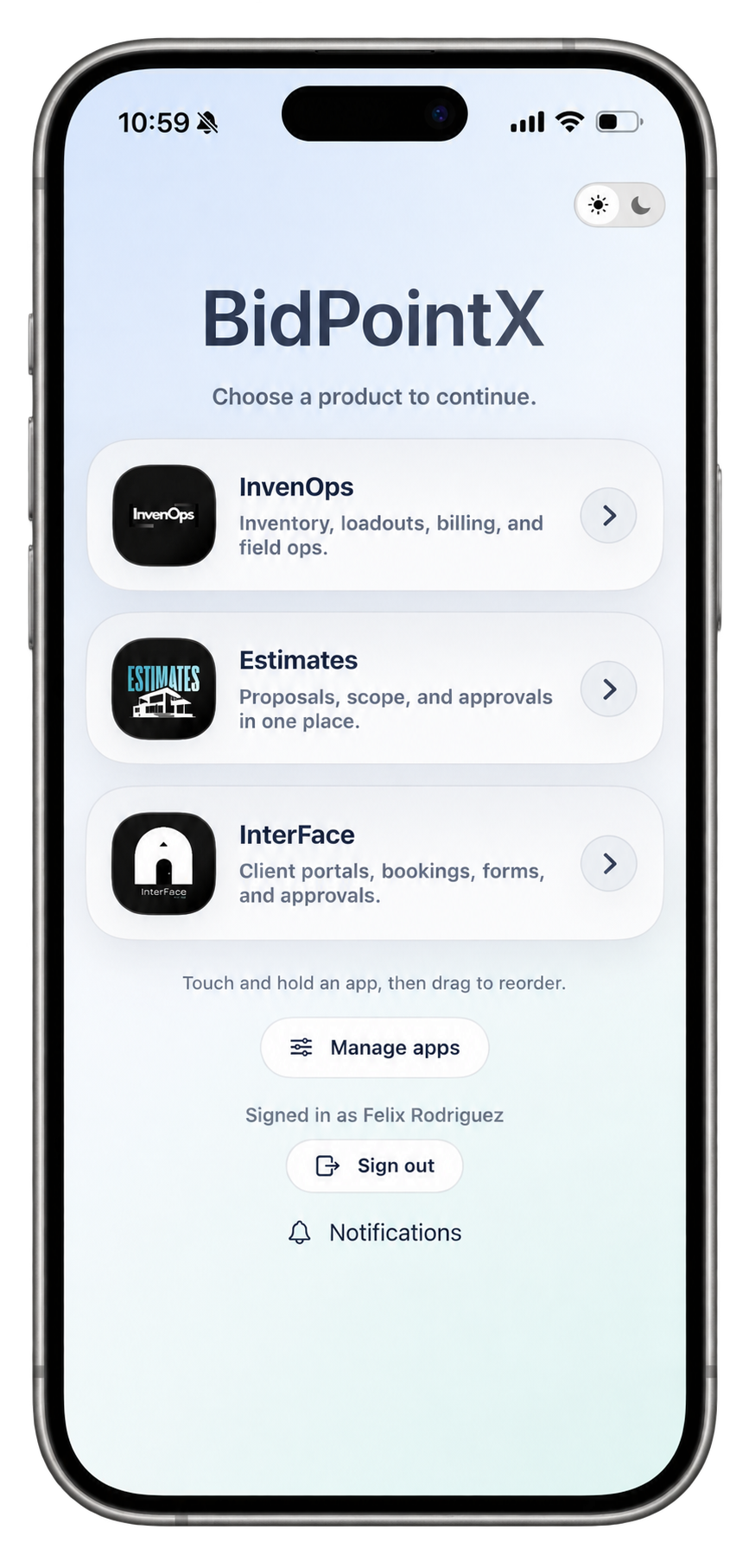
BidPointX 2.0 introduces a fresh light appearance, refined navigation, and a more considered experience across billing and Template Studio. InvenOps, Estimates with Takeoff, and InterFace remain together in one app, covering everything from measuring and pricing work to organizing resources and coordinating customers.
The larger idea hasn’t changed. The people doing the work should have useful information close at hand, and the people reviewing it shouldn’t need a separate investigation.
This update pays particular attention to the moments between those two.
A brighter look, including the screens you actually work in
A good-looking home screen is a nice introduction. Eventually, though, someone has to open a form and do something.
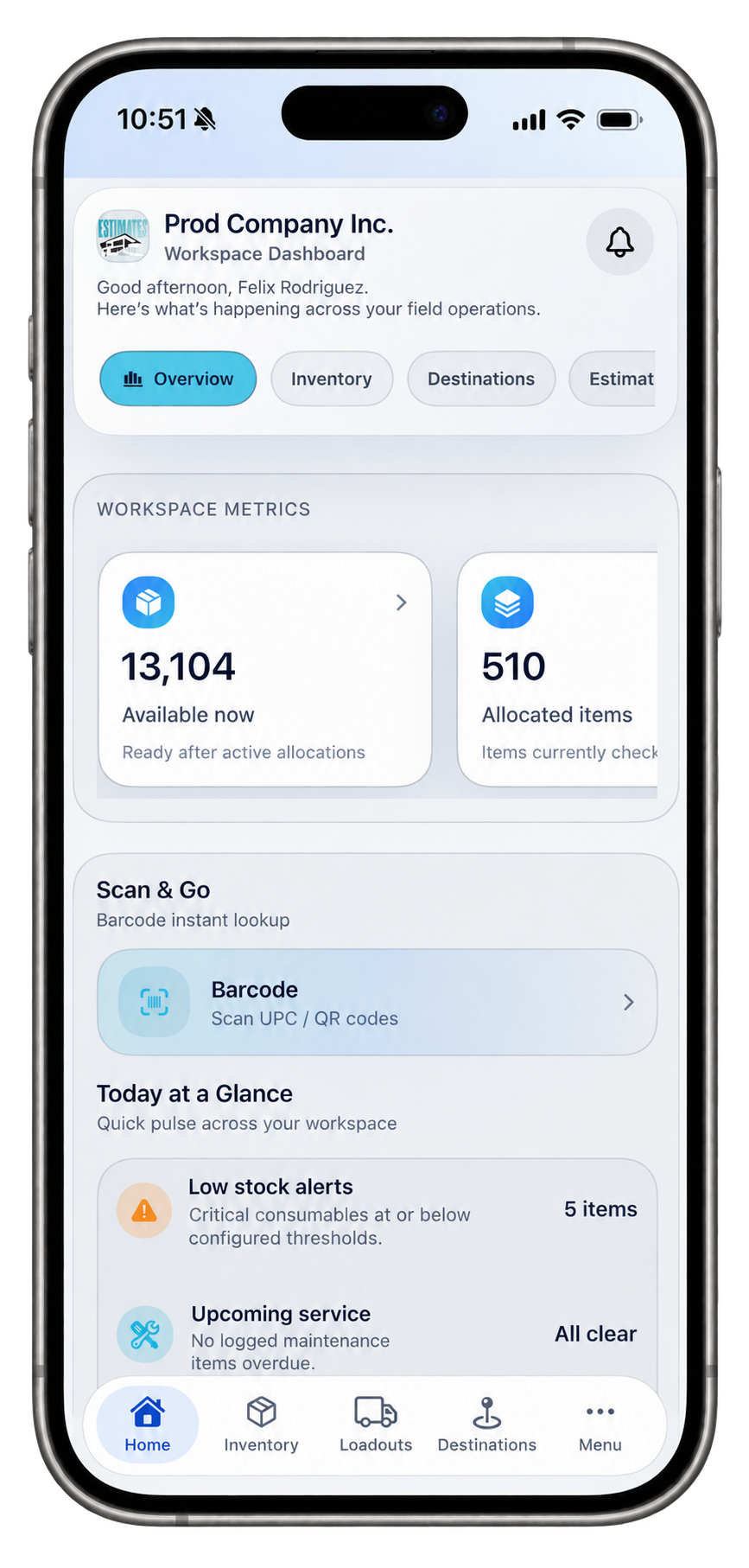
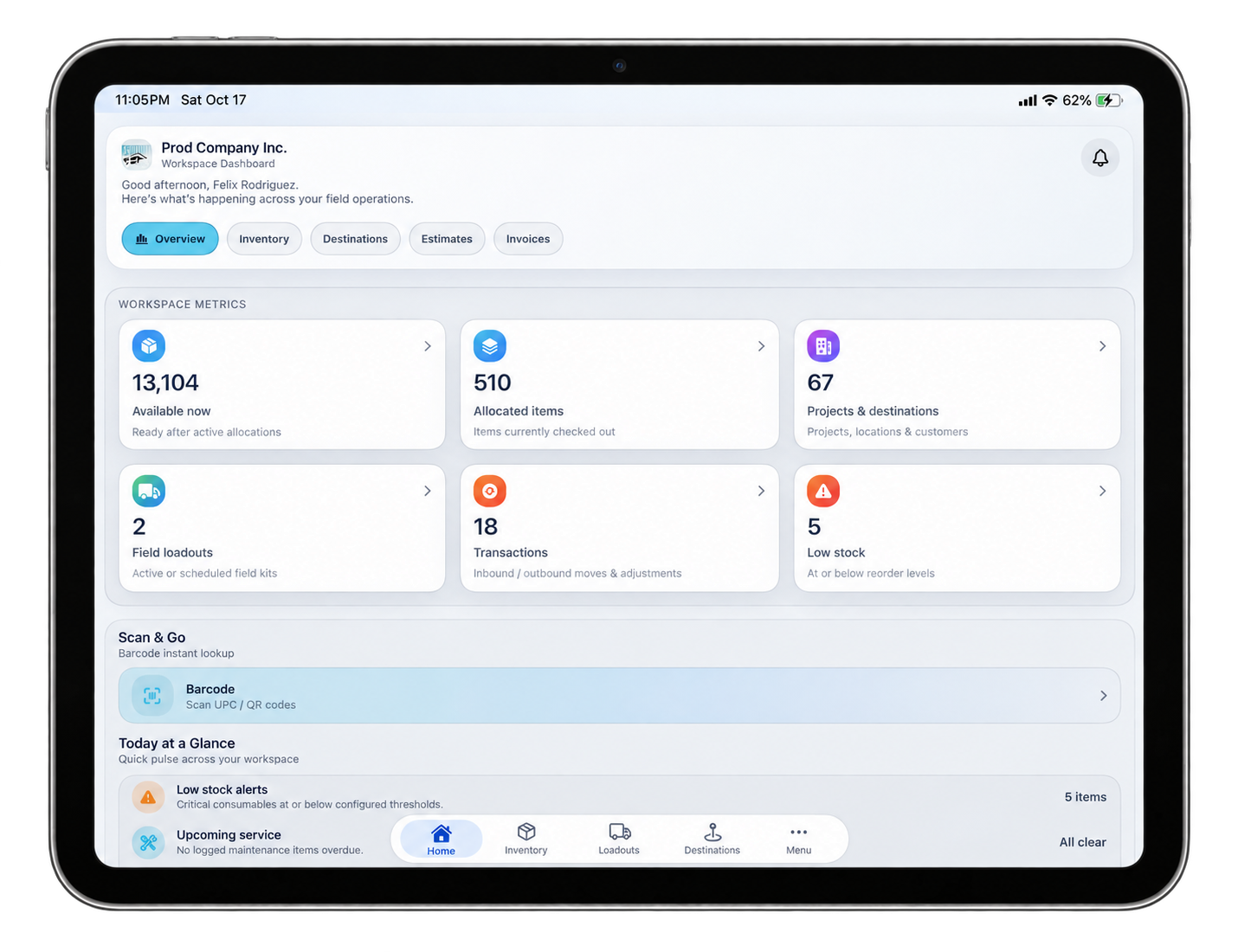
Light appearance now extends through BidPointX Home and sign-in, with refreshed operational screens designed to remain readable in either appearance. Your Home selection carries into sign-in and password recovery, while signed-in InvenOps and Estimates workspaces retain their own appearance preferences. Dark mode remains available.
The billing refresh reaches Generate Billing, Quick Sale, Billing Reports, and their editors. Related fields are grouped together, totals have a clearer visual hierarchy, and recent invoice history can stay tucked away until you need it. Service dates and invoice dates are also labeled distinctly, because the day you performed the work and the day you billed it are not always on speaking terms.
Navigation has received attention, too. The sliding dock keeps its labels steady, follows your selection, and opens the destination you release on rather than taking you through the intervening screens. Motion preferences are respected.
These are small decisions individually. Together, they make the screens you use repeatedly feel more deliberate.
Bill the part you’ve finished
A return visit next Tuesday doesn’t make this week’s completed work any less complete.
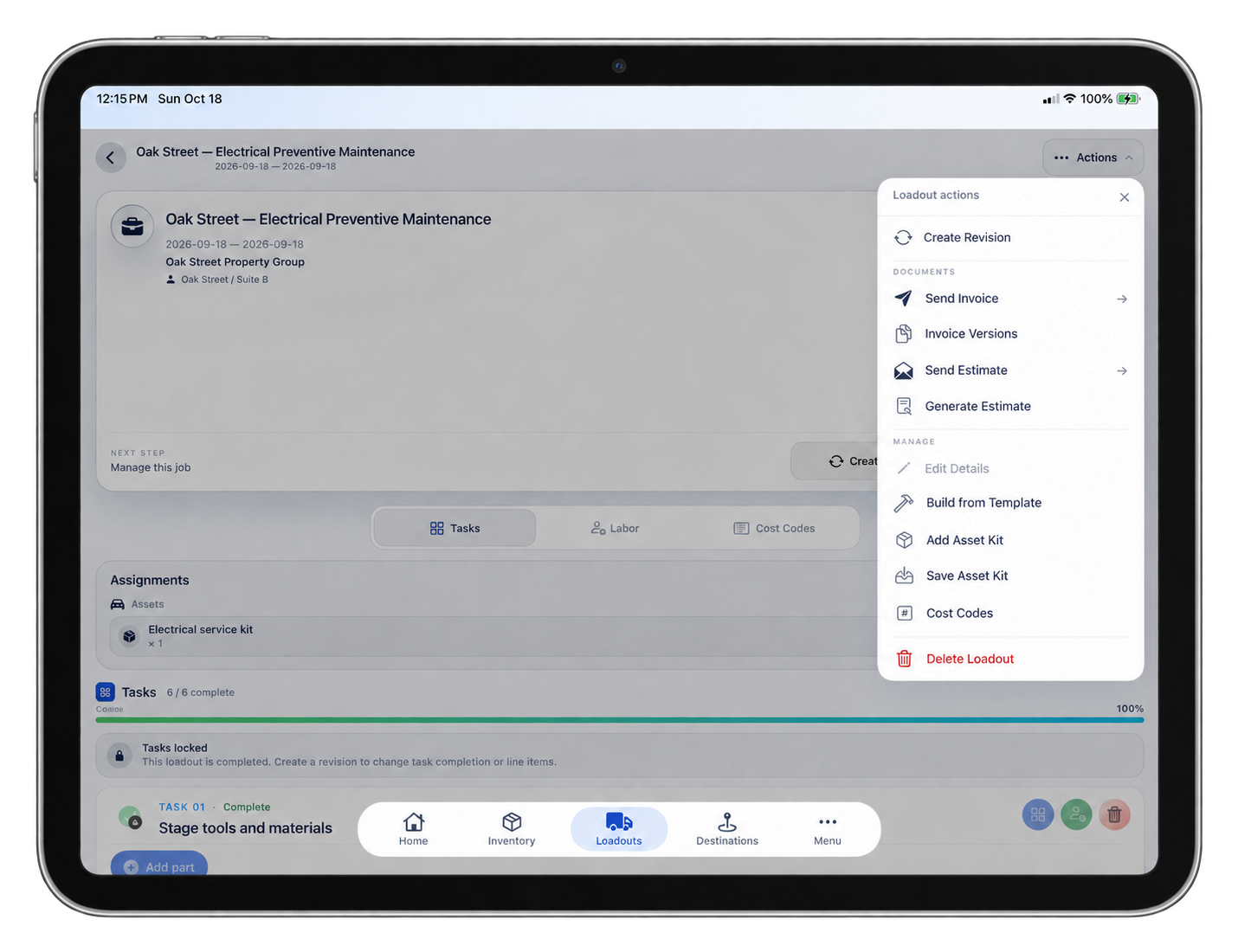
The updated InvenOps billing flow makes partial invoicing more direct while a Loadout is still active. Open Partial Invoice, select eligible completed tasks, and review the amount to bill. Adjust amount lets you choose a dollar amount or a percentage of the selected task’s remaining unbilled balance. Previously billed amounts stay accounted for.
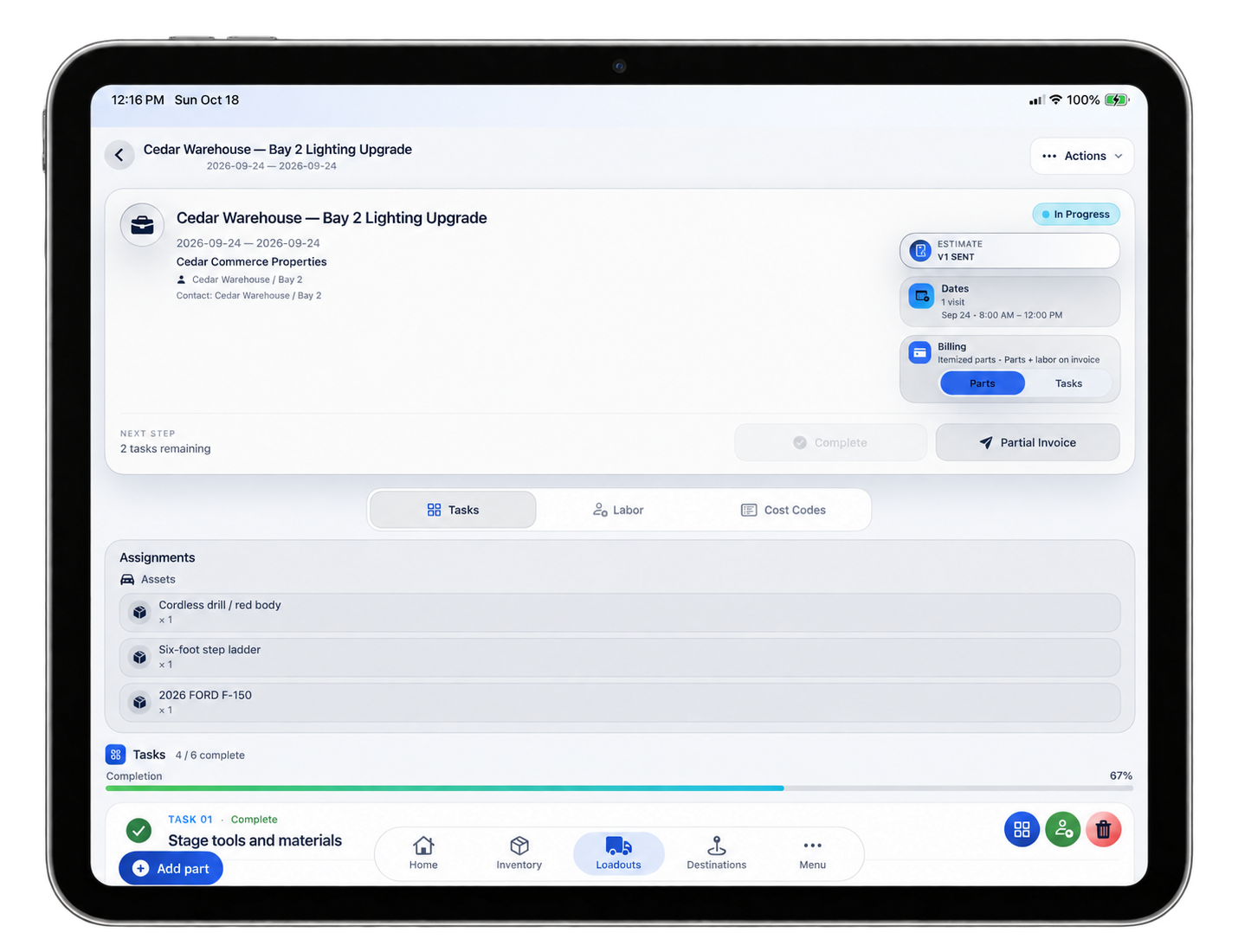
That distinction matters. You’re deciding what to invoice from the work that’s ready, not marking the entire job finished to make the billing screen cooperate.
Before sending, you can check the selected scope, recipients, totals, and what remains. Sending or receiving payment against a stage invoice leaves the active Loadout open for the work still underway.
Picture a maintenance job with several completed tasks and another visit scheduled. You can bill the eligible work already delivered, keep the job moving, and come back to the remaining scope with the earlier billing still in view.
A reasonable arrangement for work that refuses to happen all at once.
Your phone and the office should agree on the money
An invoice can be open on a phone and a desktop at the same time. That’s convenient right up until both people change it.
The updated payment workflow checks whether the payment record has changed since you opened it. A newer update from another device, settlement, or refund produces a conflict that needs review rather than allowing an older screen to overwrite the latest information. Your draft remains visible while you resolve it.
Reaching the Save button last shouldn’t give someone the final say on the balance.
Amount validation is more explicit, and saved payment notes, references, methods, and dates remain intact unless deliberately changed. The invoice composer also preserves edited recipient and invoice-number drafts during refreshes. Changes to billable scope or pricing require another confirmation before sending.
None of this is particularly glamorous in a screenshot. It becomes more attractive when you’re the person responsible for explaining the numbers.
Give the next job a head start
Your team already knows a great deal about the work. Which tasks belong together, what usually goes in the truck, how much labor to allow, and which checks need completing before anyone leaves.
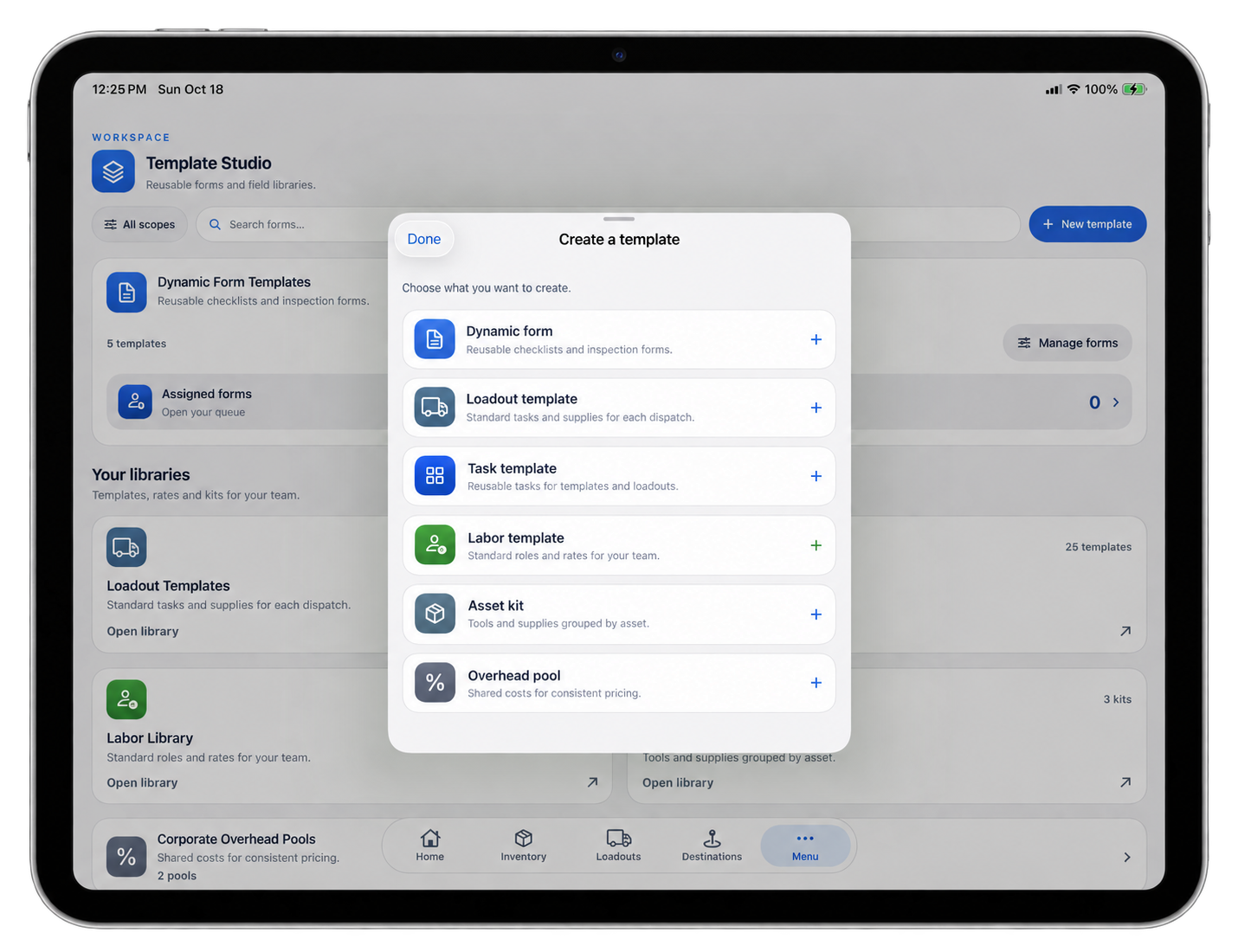
Template Studio gives that preparation somewhere to live.
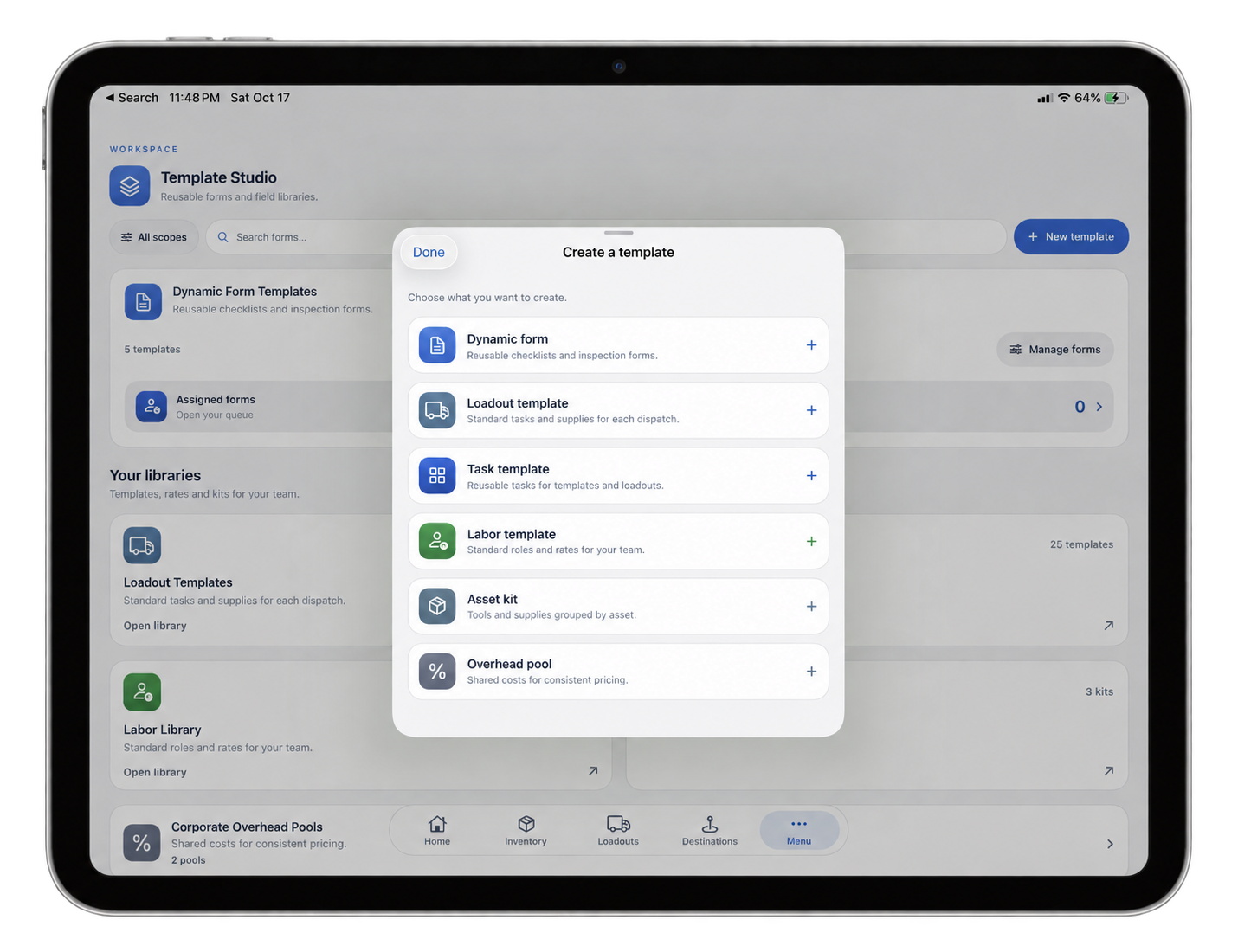
Reusable forms, Loadout templates, tasks, labor templates, asset kits, and overhead pools are available from the same Studio. The refreshed layout makes the categories easier to distinguish, with consistent task and labor symbols across the Studio, libraries, and Loadouts. Wider layouts have room for multiple columns, while smaller windows and larger text settings keep the controls accessible.
A recurring service visit can start with its usual tasks, parts, labor, and equipment already defined. You review the requirements for this customer and this visit instead of introducing the software to the same job again.
The latest Estimates work also improves restoration from saved estimate templates, including rows, grouping, and calculation relationships. The structure behind the numbers matters just as much as the headings.
You’ve done the work often enough to know what it takes. That knowledge deserves a better job than supervising repeated data entry.
Keep the number connected to the plan
A quantity is easier to discuss when “Where did that come from?” has an answer on screen.
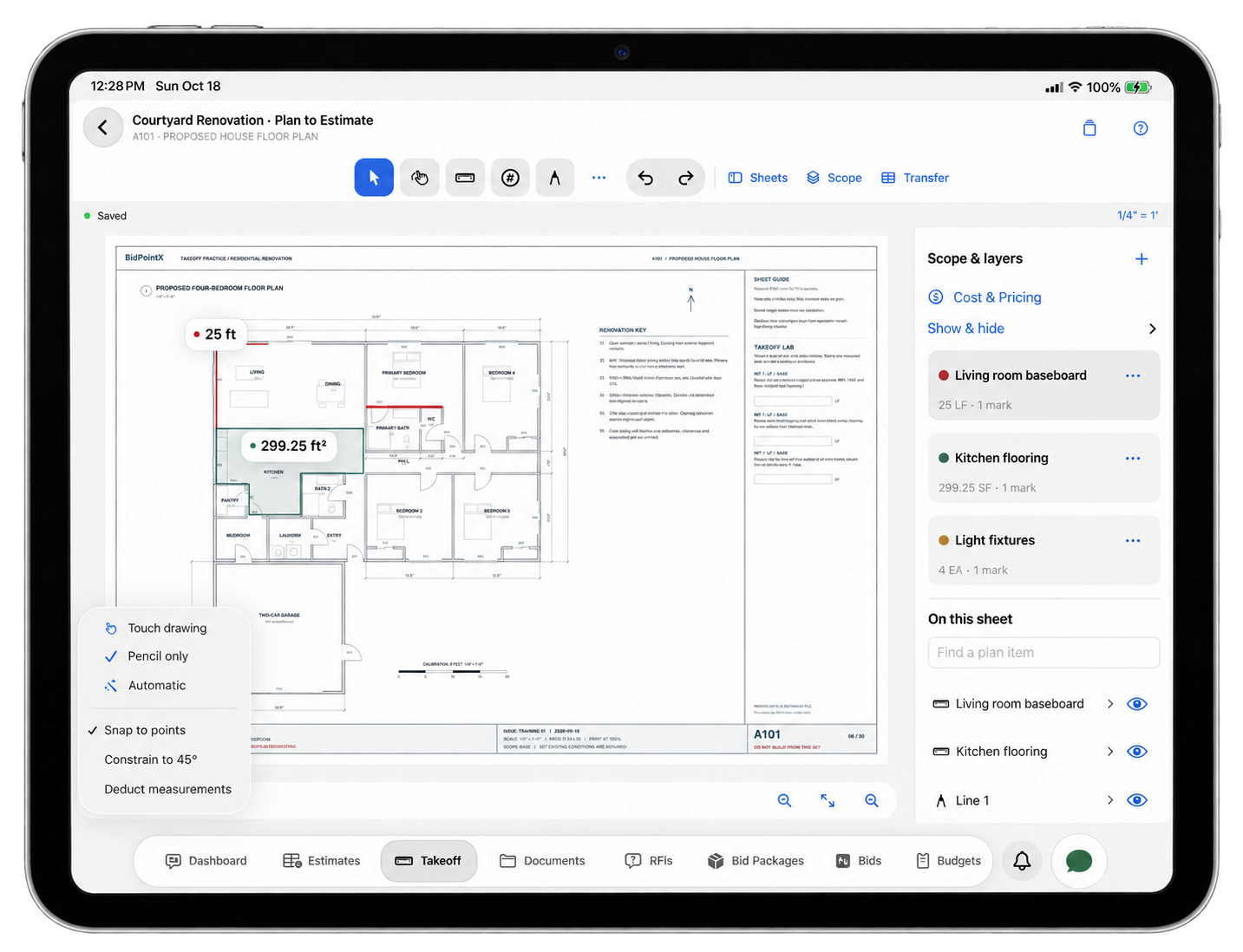
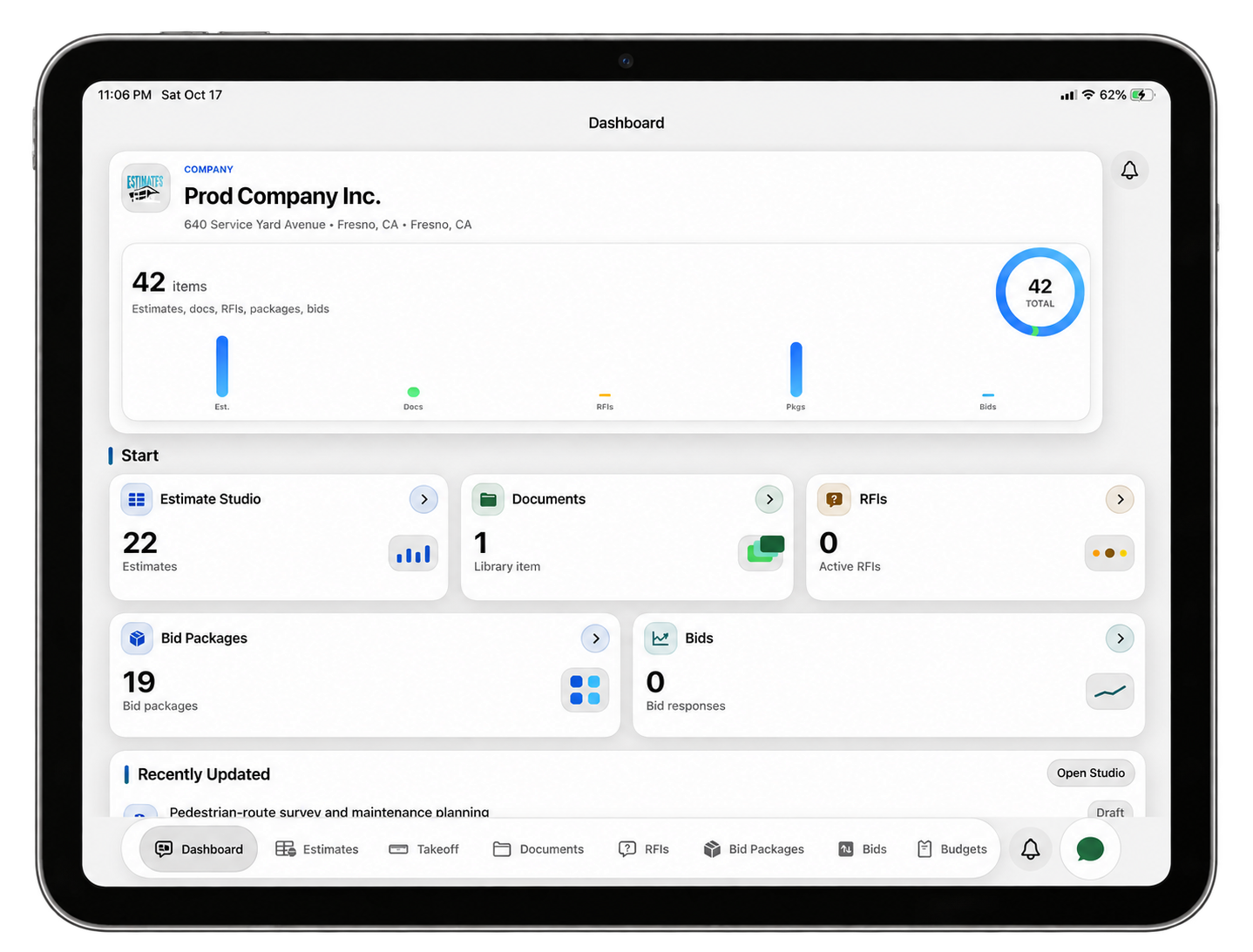
Estimates with Takeoff lets you import plans, calibrate their scale, and measure areas, lengths, volumes, and counts. Deductions, depth, multipliers, waste, and pricing can be handled within the workflow before you review the selected scope for transfer into an estimate. Markups, notes, comparison overlays, and linked RFIs provide ways to explain the work as well as measure it.
There’s an important distinction between measuring something and deciding how to price it. The connected workflow preserves that distinction: an estimate quantity override doesn’t redraw the plan or change its calibration. The measured quantity remains available beside the pricing override. The web estimate grid can also open the linked plan with the relevant geometry highlighted.
Saved pricing has a similar safeguard. Applying a library rate captures the pricing used for that scope. Changing the library later doesn’t quietly reprice earlier work; updates are reviewed before they’re applied.
Updating the price book shouldn’t renegotiate yesterday’s estimate behind your back.
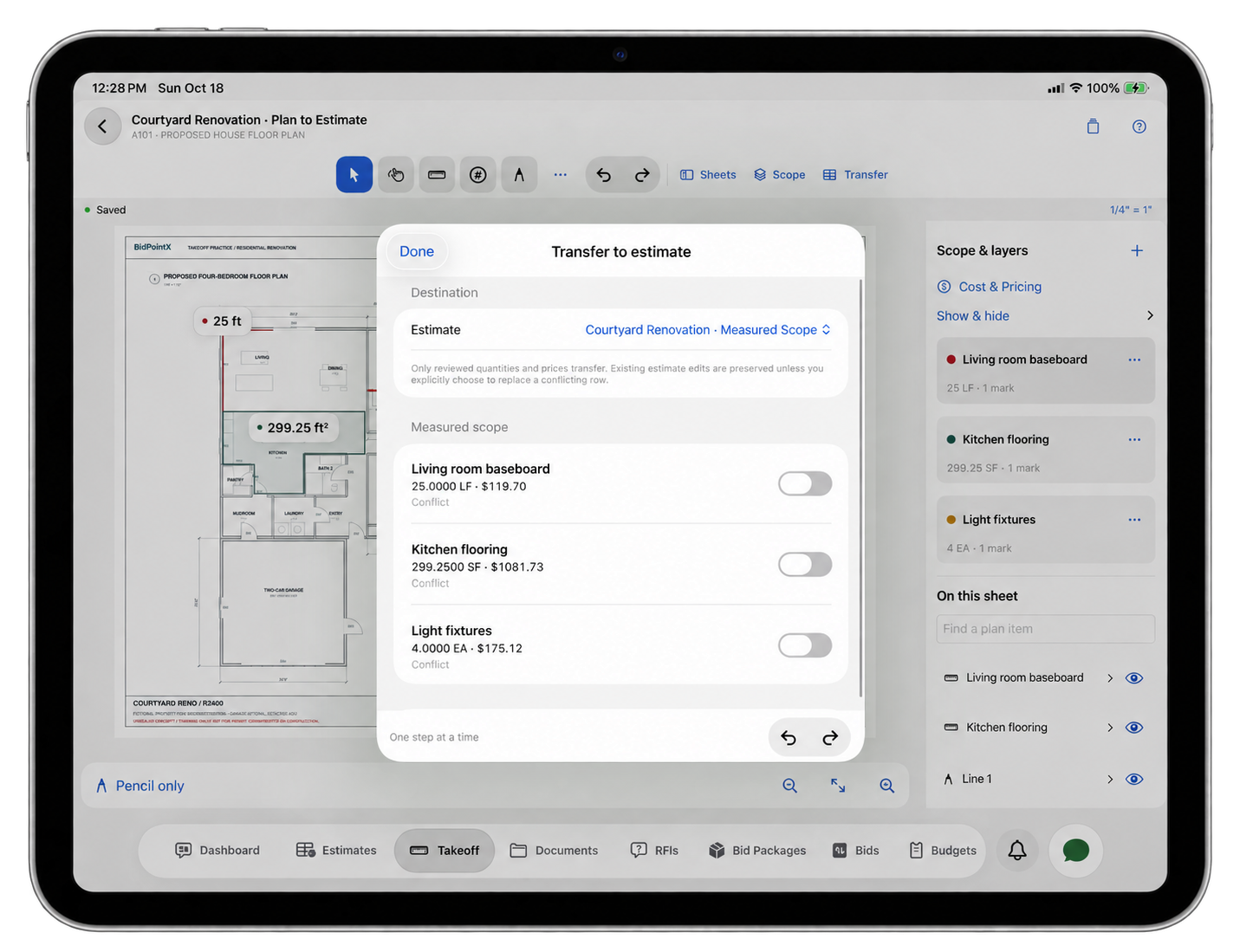
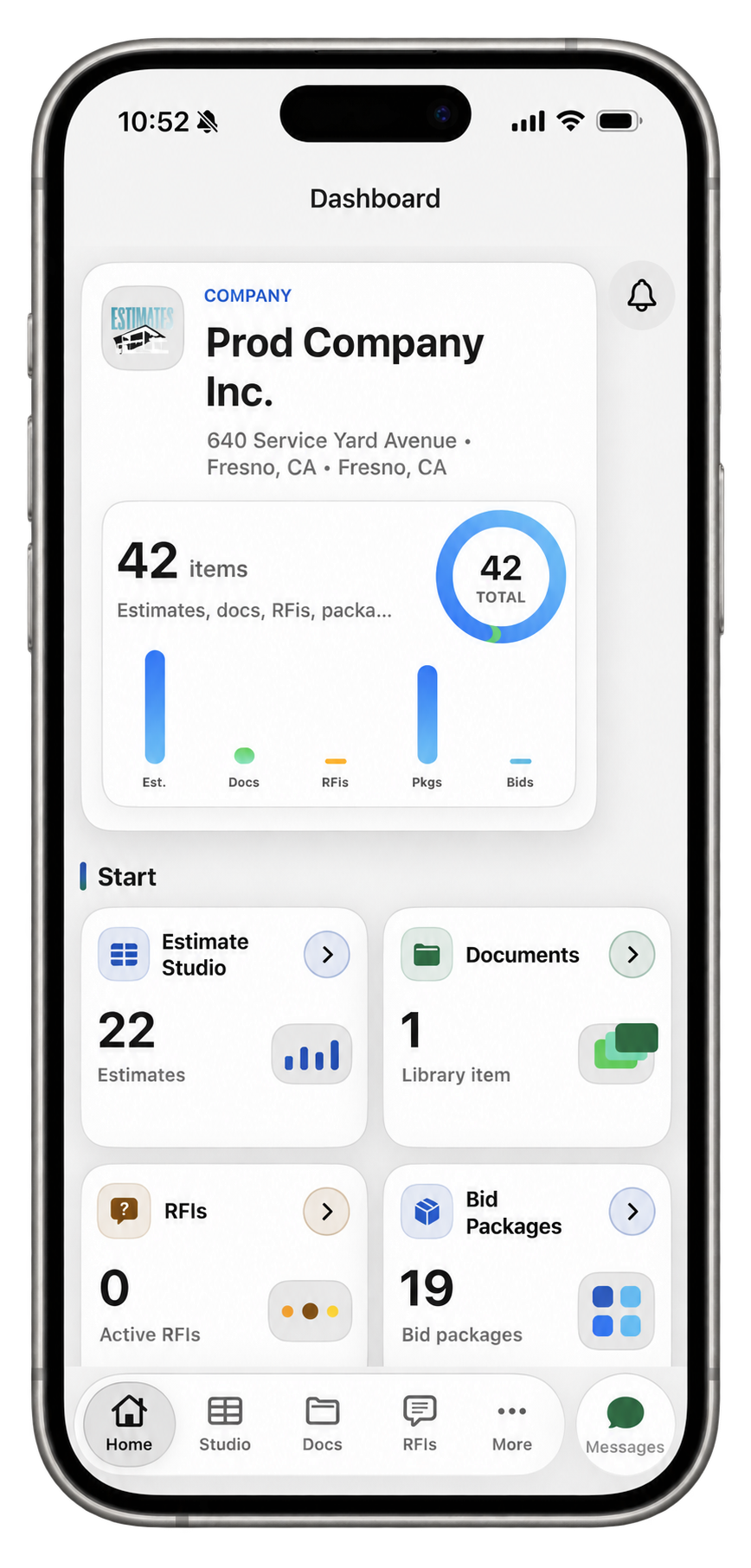
Those capabilities sit alongside the estimating tools for bid packages, documents, RFIs, budgets, contracts, and commercial records. They give the team room to review both the proposed work and the decisions behind it.
“Updated” leaves a fair amount unexplained
It confirms that somebody did something. A useful repair history can be more specific.
Inventory repair activity now records the person making the change and the previous and updated values, including changes made through web inline editing and iOS. Readable descriptions retain context around costs, dates, descriptions, invoices, and attachments without displaying internal storage paths or technical audit details.
A revised service cost should tell the next person what changed. A corrected date should remain understandable after the person who corrected it has moved on to another job.
That’s useful for routine review, handing work to a colleague, and making sense of an asset’s history later. It also saves “I’m fairly sure that used to say something else” from becoming a formal recordkeeping method.
The customer has a place in the process, too
The office and field aren’t the only people with questions about the work.
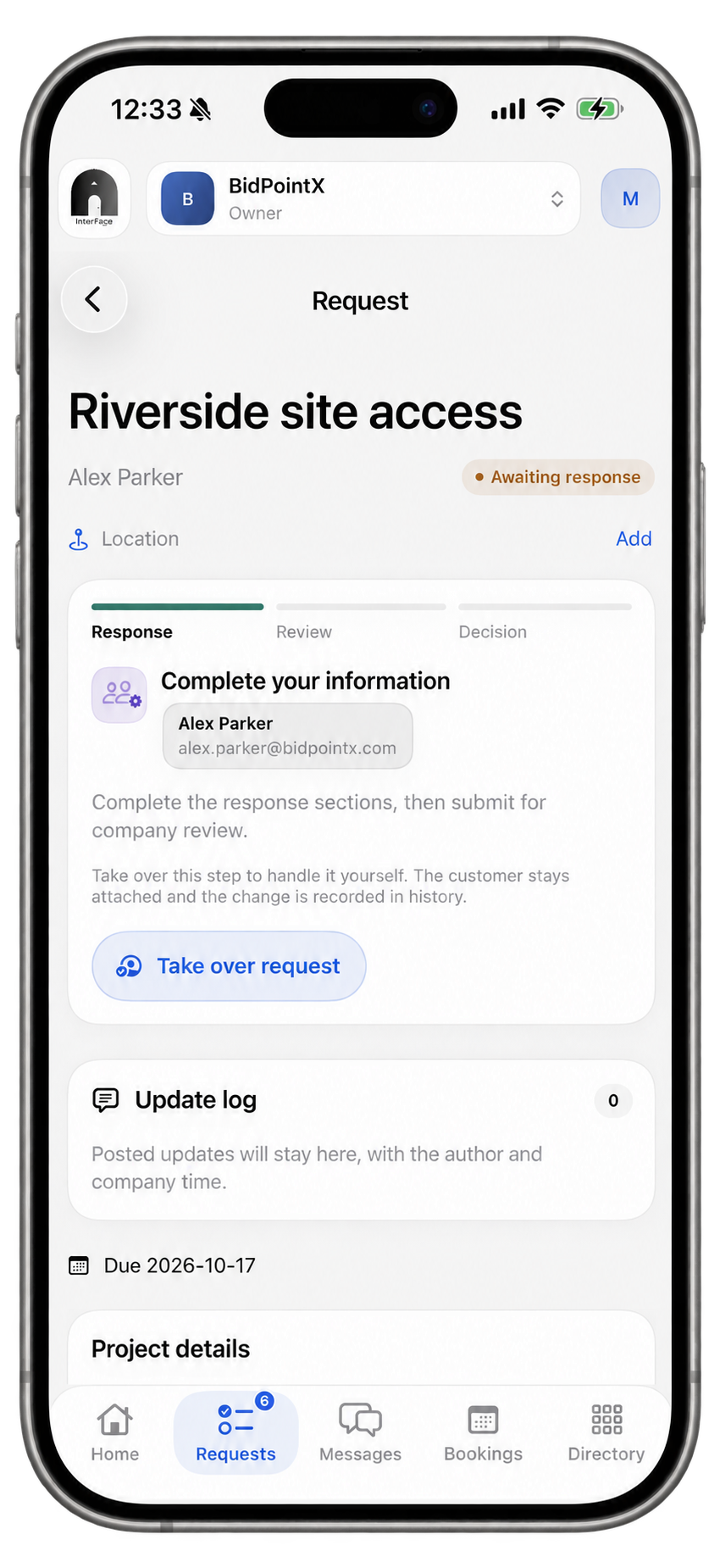
InterFace, included in the three-product app, provides customer requests, forms, approvals, signatures, bookings, conversations, and shared files. Businesses can coordinate staff availability and locations while customers use the portal and booking experience appropriate to their access.
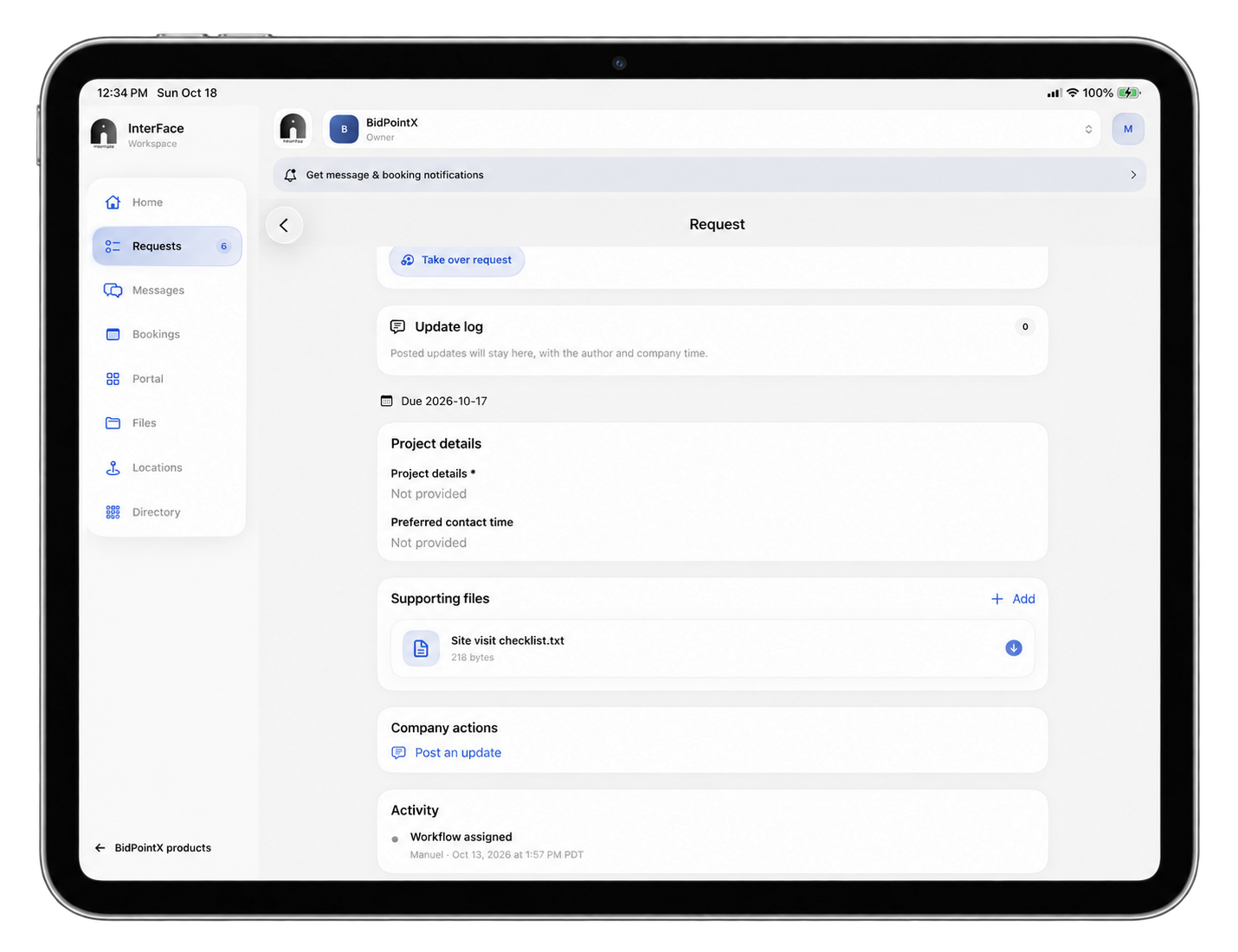
Client processes, messages and updates all in one place.
A new business relationship doesn’t have to begin with another prolonged introduction to your mailing address.
Customers can also save eligible information and choose to reuse it with another participating InterFace business. They review the recipient and selected answers before approving a copy into the next request. The receiving company gets its own record, not access to the customer’s private information library.
Start with the work your business actually does
A contractor might begin with Takeoff and Estimates, then use InvenOps to prepare equipment, materials, and field work. A facilities team might spend most of its time in inventory, repairs, and reusable forms. A service business might get the most immediate value from InterFace bookings, customer requests, and communication.
The products can support different parts of the same operation without requiring everyone to work in every part of it. Product and workspace permissions still determine what each person can access.
There are practical handoffs, too. Reviewed Takeoff quantities can become estimate lines. An accepted estimate can be sent into a draft InvenOps Loadout with scope tasks, ready for the operations team to review, assign, and schedule. The handoff supplies a starting point; the team still makes the decisions about people and resources.
Choose the product that earns its place in your day. Add the others when there’s work for them to do.
Meet BidPointX 2.0. Built for the real world, with a little more attention to the screen you’re using to run it.