
Leave the Desk
For work that doesn’t always happen in the office.
“I’ll sort it when I’m back at my desk” sounds harmless enough.
Then the customer calls about the price. Someone needs the updated job details. The crew used different materials than planned, and the person who remembers which ones is already on the next job.
By the time you reach the desk, you’re not catching up. You’re interviewing witnesses.
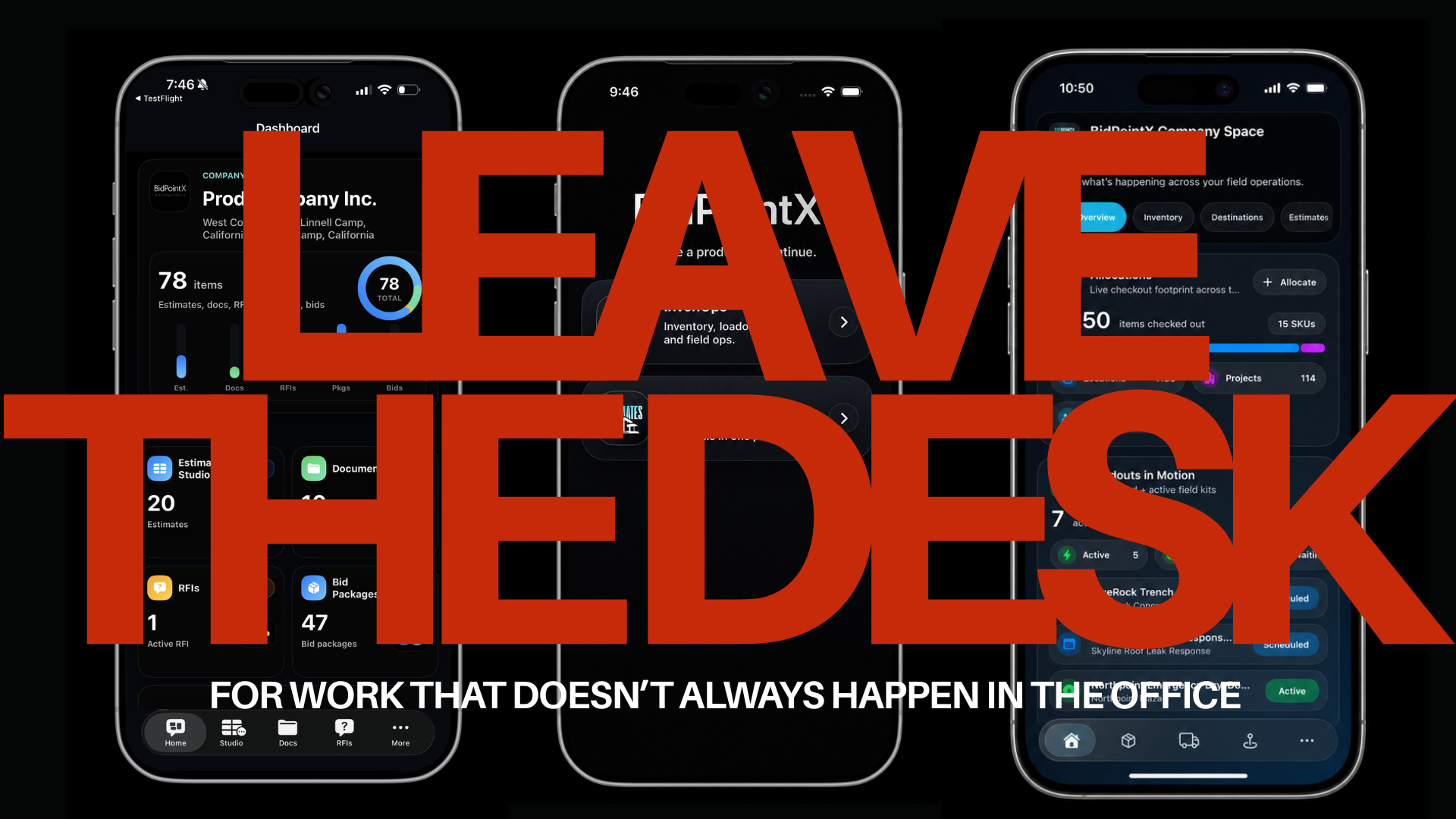
That’s the problem BidPointX is built around. Estimates and InvenOps bring estimating, bid decisions, equipment, field work, and billing into the same iPhone and iPad app. You sign in with your BidPointX account and open the products your workspace has access to.
The point isn’t to spend more time on your phone. It’s to stop saving every useful update for later.
Does your construction software work offline, too?
Mobile should mean you can actually do something
An app doesn’t deserve much credit for showing you a problem if the next instruction is “Use the desktop.”
You brought the phone for a reason.
In Estimates, the native app lets you edit estimate rows, quantities, values, and notes. You can work with bid packages, respond to requests for information, review documents, edit budget lines, and carry out supported scoring and award actions. You’re working on the records themselves, not just looking at charts about them.
InvenOps takes that same idea into the yard, warehouse, and field. Scan a supported barcode or QR code to open an item’s record. Check its recorded assignment. Open the next loadout. Record the materials used, enter labor hours, or attach a photo while you’re still looking at the work.
There’s a useful difference between “I can see the job” and “I can finish this part before I leave.”
InvenOps: the equipment left the warehouse. Now what?
Knowing you own a drill is useful. Knowing which job it’s assigned to is more useful when someone’s asking for it.
InvenOps tracks individual equipment, as well as materials managed by quantity. It distinguishes stock on hand from stock already reserved or staged, and keeps records of allocations, returns, and transfers. A service truck can be a location in the system, rather than a place everyone vaguely agrees the equipment probably is. These are recorded assignments, not live GPS tracking.

The bigger idea is the loadout.
A loadout brings the job destination, assigned person or vehicle, equipment, materials, and tasks together. You can schedule the work, add visits, and start from reusable equipment kits and task templates instead of rebuilding the same setup every Monday.
Then the plan gets to meet what actually happened.
Suppose a crew takes ten fittings and uses seven. InvenOps lets them record seven used against the planned quantity, along with the labor hours entered for the work. Photos and notes can stay on the loadout, where someone reviewing the job can find them.
The before photo doesn’t need to spend its career between a lunch picture and someone’s dog.
That detail matters when the job reaches billing. InvenOps can prepare a customer estimate from the loadout’s tasks, labor, and materials, retain saved estimate versions, and let the customer review and accept through a browser link. Those customer estimates belong to the InvenOps job workflow. They’re different from the separate Estimates product.
You can also prepare partial invoices, track what remains to bill, and prepare the final invoice from the remaining supported job charges. When Stripe payments are configured, customers can pay through the invoice’s web payment flow, with payment status recorded in the system.
The job doesn’t automatically invoice or pay itself. Someone still needs to review the charges and take the appropriate steps. But the information needed to do that has a place to go before Friday’s round of “Does anyone remember Tuesday?”
Completed loadouts also have a locking and revision process. Follow-up work can become a linked revision instead of quietly changing the original completed record.
Because “we changed it afterward” is a much better explanation when you can show what changed.
Estimates: Read the exclusions before celebrating
A cheaper bid can be a good bid. It can also be a smaller portion of the job.
Those are worth telling apart before calling it a saving.
Estimates connects the pricing work to the scope being requested. You can build bid packages from estimate rows, collect bidder responses, and compare prices alongside inclusions, exclusions, qualifications, and lead times.
One particularly useful distinction is that your internal comparison doesn’t overwrite what the bidder actually offered. You can add an adjustment with a reason while preserving the submitted price.
Take a hypothetical comparison. One contractor bids $80,000 but excludes demolition. Another bids $88,000 and includes it. Your team allows $12,000 for the missing demolition in the first offer.
For your comparison, that first option is now $92,000. The contractor’s submitted bid is still $80,000. Both numbers matter, and they mean different things.
The low number was doing very well until the rest of the job showed up.
Estimates also ties bidder confirmation to the scope that was actually issued. If that scope changes, renewed confirmation is required rather than assuming an earlier yes covers whatever was added later. Signed submission revisions remain available.
That becomes important around the time someone says, “It’s basically the same.”
If it’s basically the same, asking them to confirm it again shouldn’t be much trouble.
The product also gives repeat estimating work a starting point. Configurable columns, calculations, nested rows, cost codes, and notes let you organize the estimate around your work. Templates let you reuse a setup while versions preserve earlier records. Scope questions and their answers can stay attached through RFIs, and supported handoffs carry estimate or award information into budgets and contracts.
You still need to check the quantities, assumptions, and price. A template isn’t permission to stop reading.
What you don’t need is a fresh afternoon typing the same headings.
The handoff shouldn’t be another typing assignment
Estimating and field work ask different questions.
One needs to establish what’s included, what it costs, and what was agreed. The other needs to prepare the people and equipment, record the work, and get the right information into billing.
BidPointX gives those jobs separate products without requiring separate identities. The app supports switching between Estimates and InvenOps with the same account, and Face ID or Touch ID can be used across both on the same device. Access still follows the workspace and user permissions.
For businesses using both products, an accepted estimate can be sent from the web workspace into an InvenOps draft loadout with task records. That gives field preparation a starting point from the accepted scope. It requires InvenOps access, and it doesn’t automatically allocate equipment or create invoices. The resulting tasks and amounts still need review before the job is prepared.
That’s a practical handoff: keep the review, lose some of the rebuilding.
And yes, sometimes the signal is terrible
A mechanical room wasn’t designed around your reception.
InvenOps supports cached records and selected offline updates or uploads that can queue for synchronization when a connection returns. That includes supported field capture such as notes or photos. Sending estimates or invoices, completing a loadout, and certain financial actions still require a connection.
Estimates has cached state, but it shouldn’t be mistaken for full offline estimate editing. Some advanced work also remains better served by the browser, including the dedicated shared-table designer in Estimates and specialist reporting in InvenOps.
Mobile doesn’t have to mean pretending every task works everywhere. It means giving people useful actions where they work and being clear about the limits.
Keep the desk. Stop waiting for it.
BidPointX goes with you, even if your signal doesn’t.
There’s nothing wrong with a desk. It’s a good place for a large screen, a detailed review, and the coffee you forgot about.
The problem is making every changed quantity, job photo, scope question, and material update wait until someone gets back to it.
BidPointX brings Estimates and InvenOps into one app so the phone can be part of doing the work, not just the thing you use to call someone who’s near a computer. Business signup, product enrollment, and subscription management happen on the website; the app uses that same account and the access assigned to it.
Check the fit against the work you actually do. Put a bid through Estimates. Prepare a job in InvenOps. Try the mobile actions your team needs.
You don’t need another app to admire.
You need to get something done, close it, and get on with your day.